Let the content shine.
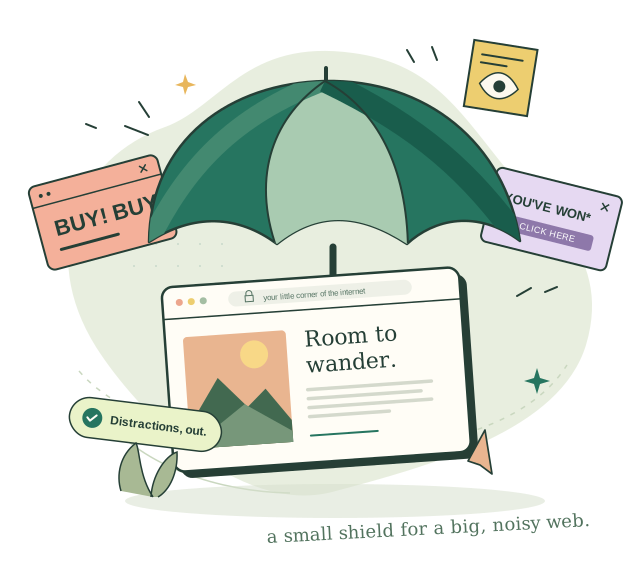
Block distracting ads and unwanted pop-ups. Keep your attention on the things you actually came to see.
A little shield. A better internet.
The web is a wonderful place. Ads and trackers?
Less so. Shield clears the clutter, so you can
get back to what brought you here.
Make room for the good stuff
The article you wanted to read. The rabbit hole worth following. Shield helps you enjoy more of the internet, with less getting in your way.
Block distracting ads and unwanted pop-ups. Keep your attention on the things you actually came to see.
Block known trackers that follow you from site to site. Your browsing shouldn’t become someone else’s profile.
Pause protection for a site, hide an element, or get guided help when a page misbehaves. You’re in control.
Less in the way. More in the moment.
A page can be a little calmer when the distractions disappear. Flip the switch and see what we mean.
An illustration of ad blocking, not a live website or a performance benchmark.

Some of the best things happen when you slow down, look around, and let curiosity lead the way.

Private by nature. By design, too.
A privacy tool should respect your privacy. Shield has no accounts, analytics, or telemetry. Settings stay on your device, and bundled protection works without network requests.
A few things you might be wondering
Something else on your mind?
Say hello
Yes. Shield AdBlock is completely free to use, with no paid features or subscriptions. You do not need an account.
Shield is built for desktop Chrome and Firefox, using each browser’s own blocking engine. Official Chrome Web Store and Firefox Add-ons releases are being prepared. Install links will be added here when they’re available.
By default, Shield hides detected home-feed ads locally, without clicking Facebook’s controls. “Use Facebook’s Hide post action” is optional and off by default. If enabled, Shield clicks that control automatically. Facebook may record the hides against your account and use them to influence future ads. Shield sends no telemetry in either mode. Read about Facebook ad hiding.
Shield does not upload your browsing history or request data to its publisher. Settings and rules stay on your device. Default protection makes no network requests. Optional remote lists contact their source, which receives normal connection information, including your IP address. Optional Facebook Hide post actions may send feedback to Facebook. Read the full privacy policy.
You can pause Shield for that site. The “Site not working?” assistant guides you through temporarily pausing and restoring protection, all on your device. If you still need help, visit our support page.
Yes. You can pause individual sites, choose filter lists, and use “Hide an element” to preview and confirm a custom hiding rule. Advanced mode adds more options for people who want them.
Small extension. A little more peace.
Shield AdBlock is getting ready for Chrome & Firefox.
Your next chapter of calmer browsing starts here.
Official store links will appear here once published.
Questions in the meantime? Say hello